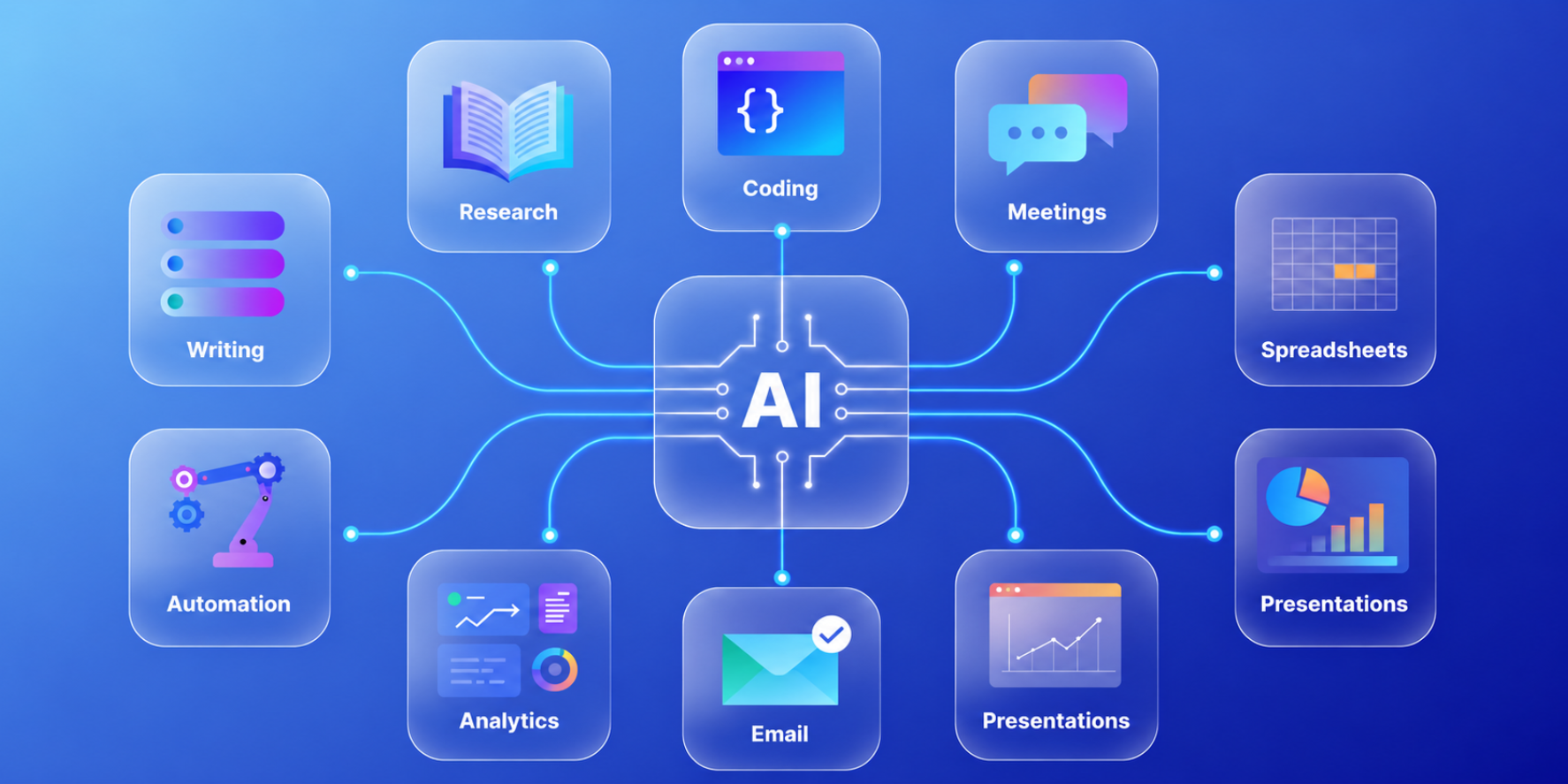
Top 10 AI Tools for Work Productivity: Claude, ChatGPT, Gemini, Microsoft Copilot …

Doing More in Less Time with Today’s Leading AI Assistants

This intensive one-day, hands-on workshop equips executives and professionals to get measurably more done with today’s four leading AI assistants — Claude, ChatGPT, Gemini and Microsoft Copilot. Rather than treating each tool as a novelty, participants learn a simple, repeatable working method: choosing the right assistant for the task, prompting it well, and customising it so it remembers their context and house style.

Through guided hands-on exercises, participants apply AI to the work that fills their week — analysing documents and datasets, building Excel dashboards, and generating polished slide decks and short explainer videos — and leave with a personal AI toolkit, step-by-step guides and ready-to-use prompt templates they can apply the very next morning.

Course Requirement: Learners are required to bring a Wi-Fi-enabled laptop.

Course Objectives
  • Choose the Right Tool: Select the most suitable AI assistant — Claude, ChatGPT, Gemini, Microsoft Copilot… — for each workplace task.
  • Prompt for Results: Apply a structured prompting framework to obtain accurate, well-formatted output with fewer iterations.
  • Customise Your AI: Build reusable assistants — Claude Projects, ChatGPT Custom GPTs and Gemini Gems — that remember your context and house style.
  • Analyse Documents & Data: Summarise documents and interrogate datasets (including with Google NotebookLM) and visualise Excel / Google Sheets data as charts and dashboards.
  • Generate Decks & Videos: Produce professional slide decks and short explainer videos from your own material.
  • Work Safely: Apply practical data-protection and output-verification habits when using AI at work.
Course Outline

Module 1: The Top 10 — Knowing Which AI to Reach For

  • What Claude, ChatGPT, Gemini and Microsoft Copilot… each do best in 2026.
  • Where each tool lives: standalone chat versus embedded in Microsoft 365 and Google Workspace.
  • A simple decision guide for matching the right tool to the task — plus data-safety ground rules.

Module 2: Better Prompting — The Skill That Multiplies Everything

  • Why prompt quality, not tool choice, drives most of your results.
  • A reusable Role – Context – Task – Format framework, with worked examples.
  • Iterating effectively, and building a personal, reusable prompt library.

Module 3: Customisation — Make AI Remember Your World

  • Claude Projects: persistent project knowledge, custom instructions and Artifacts.
  • ChatGPT Custom GPTs and Projects: uploading knowledge and setting tone without code.
  • Gemini Gems: tailored assistants inside Google Workspace.

Module 4: Document & Research Analytics — with NotebookLM

  • Summarising and interrogating contracts, reports, policies and PDFs, with source-grounded, cited answers.
  • Google NotebookLM: source-grounded notebooks, Audio and Cinematic Video Overviews, mind maps and infographics.
  • Guarding against hallucination and verifying output.

Module 5: Data, Excel & Dashboards — From Spreadsheet to Insight

  • Letting AI explore a dataset: trends, outliers and summary statistics in plain English.
  • Analysis in practice: ChatGPT data analysis, Microsoft Copilot Agent Mode in Excel, and Gemini in Google Sheets.
  • Building a simple dashboard and writing the narrative behind the numbers.

Module 6: Generating Slide Decks & Videos

  • Slide decks from your content with Copilot in PowerPoint and Gemini in Slides.
  • Slide decks and infographics from your sources with Google NotebookLM.
  • Short explainer videos with NotebookLM Cinematic Video Overviews and Google Vids / Veo.

Module 7: Verification, Workflow Integration & Next Steps

  • The human-in-the-loop approach: fact-checking and refining AI output.
  • Governance basics: data protection (PDPA), confidentiality and safe use at work.
  • Integrating the tools into a weekly workflow; your 30-day action plan and Q&A.
Training Methodology
  • Short, focused concept briefings on AI architecture.
  • Step-by-step guided demonstrations of agent-building platforms.
  • Hands-on practical exercises to build your own “employee”.
  • Real-world application and review.
Who is it for

This workshop is designed for professionals who want to save time, improve productivity, and make better use of AI in their daily work. It is especially suitable for:

  • Managers, executives, and team leaders seeking to work more efficiently and make faster, better-informed decisions.
  • Administrative, operations, HR, finance, and support professionals looking to automate routine tasks and increase productivity.
  • Business professionals who regularly create reports, presentations, proposals, meeting summaries, and business correspondence.
  • Analysts and knowledge workers who need to review documents, research information, analyse data, and generate insights quickly.
  • Microsoft 365 and Google Workspace users who want to maximise the value of Copilot, Gemini, and other AI-powered workplace tools.
  • Trainers, consultants, and project managers who need to create content, presentations, dashboards, and explainer materials more efficiently.
  • Professionals interested in building customised AI assistants that understand their work context, preferred writing style, and organisational requirements.
  • Anyone looking to understand the strengths of today’s leading AI tools and integrate them safely and effectively into their daily workflow.
Testimonials

“The training was very hands-on and practical. I now feel confident using AI tools like ChatGPT and Claude to draft reports and analyse data for my team.” — Sarah T., HR Manager

“Excellent, practical introduction to AI for the workplace. The instructor made everything easy to understand, even for someone with little experience.” — John P., Finance Assistant

“Bernard is a very patient teacher; he was happy to repeat or simplify his explanations whenever needed.”

“Able to share detailed examples during the class.”

Master Trainer

Bernard Peh – Data Scientist / A.I Engineer / Principal Trainer [ACLP]

Bernard Peh is a Master Trainer, Curriculum Author, and Hedge Fund Manager with over 20 years of concurrent experience in Finance and Data Science. He specialises in AI, Data Analytics, Power BI, and workplace automation, helping organisations translate AI capabilities into tangible business value.

Formerly a Financial Services Director for 15 years, Bernard brings real-world industry experience into the classroom, including financial analytics and hedge fund strategies.

He is ACLP certified and delivers WSQ, IBF, and SkillsFuture-funded programmes. Known for his engaging teaching style, Bernard consistently receives top learner ratings for simplifying complex concepts and delivering highly practical, business-relevant training.

Bernard has trained extensively across Singapore’s leading institutions and corporates, including NTUC LearningHub, Singtel, and CapitaLand.